

Video Color Pack
$0.00
A one-page media kit for creators and small businesses. Show brands your numbers.
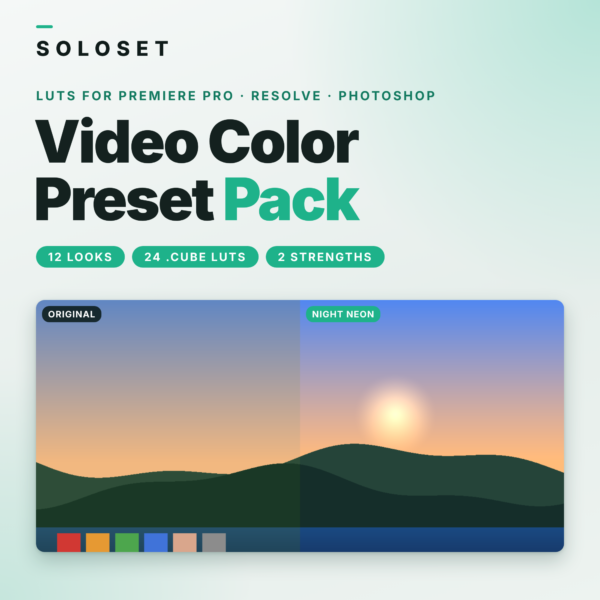
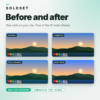
Make every clip look like it belongs together. Load a LUT, adjust the strength and move on to the next clip, without grading from scratch every time.
WHAT YOU GET
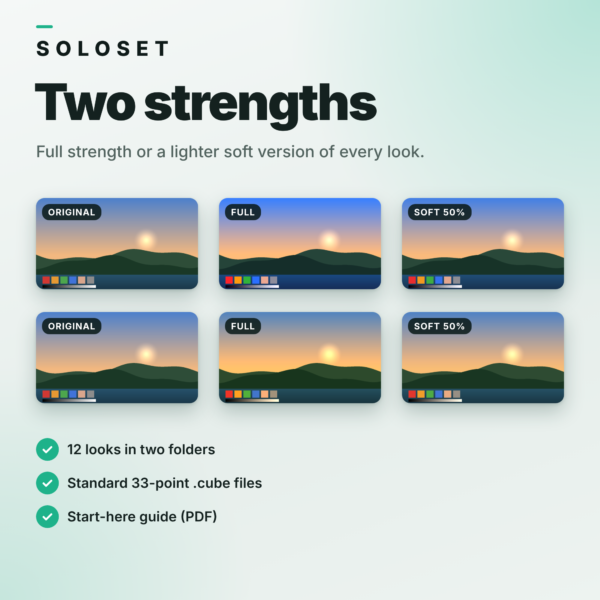
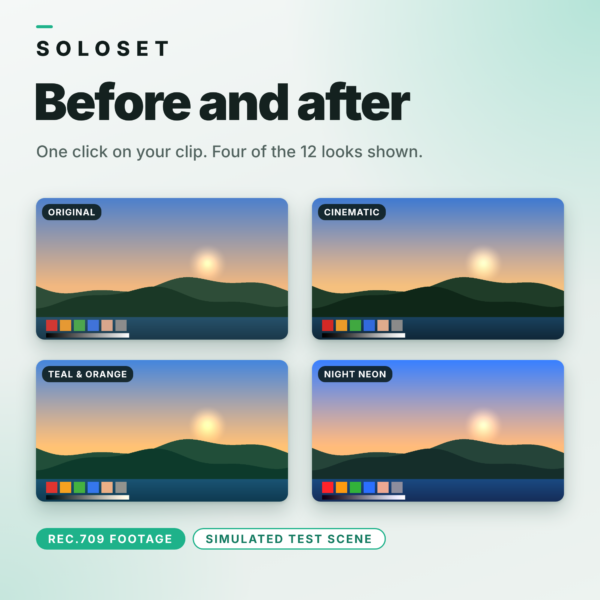
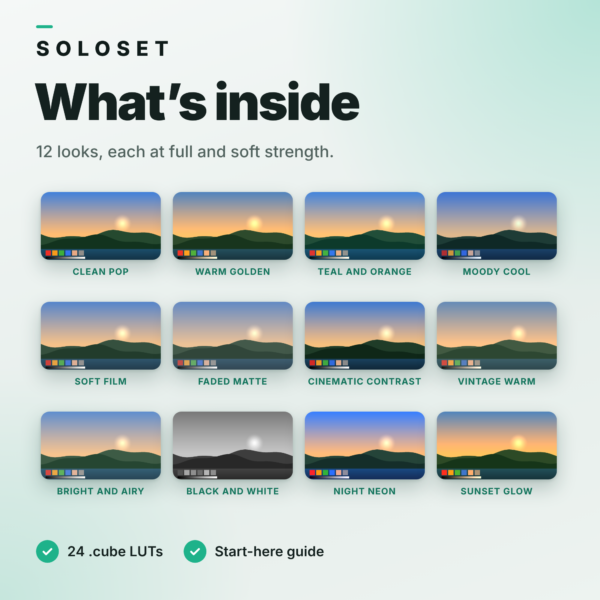
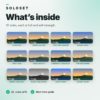
- 12 colour looks: Clean Pop, Warm Golden, Teal and Orange, Moody Cool, Soft Film, Faded Matte, Cinematic Contrast, Vintage Warm, Bright and Airy, Black and White, Night Neon, Sunset Glow
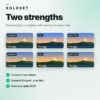
- 24 .cube LUT files: every look at full strength and at a softer 50% strength
- Standard 33-point 3D LUTs for Rec.709 footage
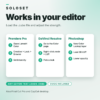
- Start-Here guide (PDF) with steps for Premiere Pro, DaVinci Resolve and Photoshop
HOW IT WORKS
- Download and unzip.
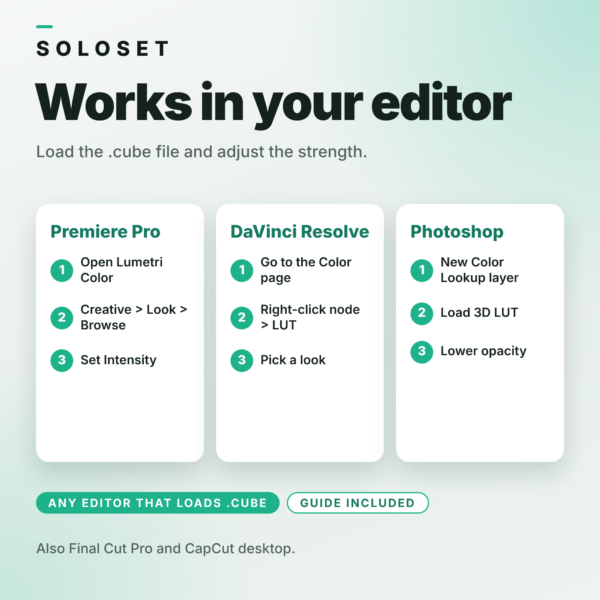
- Load a .cube file in your editor (Premiere Pro: Lumetri Color > Creative > Look > Browse. DaVinci Resolve: Color page > right-click a node > LUT. Photoshop: Color Lookup adjustment layer).
- Pick a look and adjust the strength, or use the Soft version.
- Fine-tune exposure and white balance if needed.
GOOD TO KNOW
- Made for standard Rec.709 footage such as phone and camera video. If you shoot in log, convert to Rec.709 first, then add a look.
- LUTs change colour only. Correct exposure and white balance first for the best result.
- Preview images use a simulated test scene. Results vary on your footage.
- Also loads in Final Cut Pro, CapCut desktop and other editors that accept .cube files.
- Digital download, nothing is shipped.
- For personal and commercial use in your own videos. Please do not resell, share or give away the files.
Related products
-

Media Kit Template
$11.00 -

Pinterest Template Set
$12.00 -

Instagram Template Set
$12.00 -

Multi-Platform Safe Zone Kit
$11.00
Reviews
There are no reviews yet.